Your QR code and walk-in link
Only owners can do thisUpdated 25 Oct 2026
Your QR code and walk-in link are the same thing in two forms. Anyone who scans the code or opens the link rates your business, with no WhatsApp or SMS message needed. It does not use your monthly notifications, and every scan is free.
They also enter their own name and number, so they are added to your customer list as Walk-in customers.
Only owners can see this screen. It works on every plan, including Starter. To see what your customer sees, read Walk-in ratings.
Find your QR code and link
Tap Manage, then QR code & link (on a computer, Settings, then QR code & link). The card called Your feedback link shows your QR code and your link.
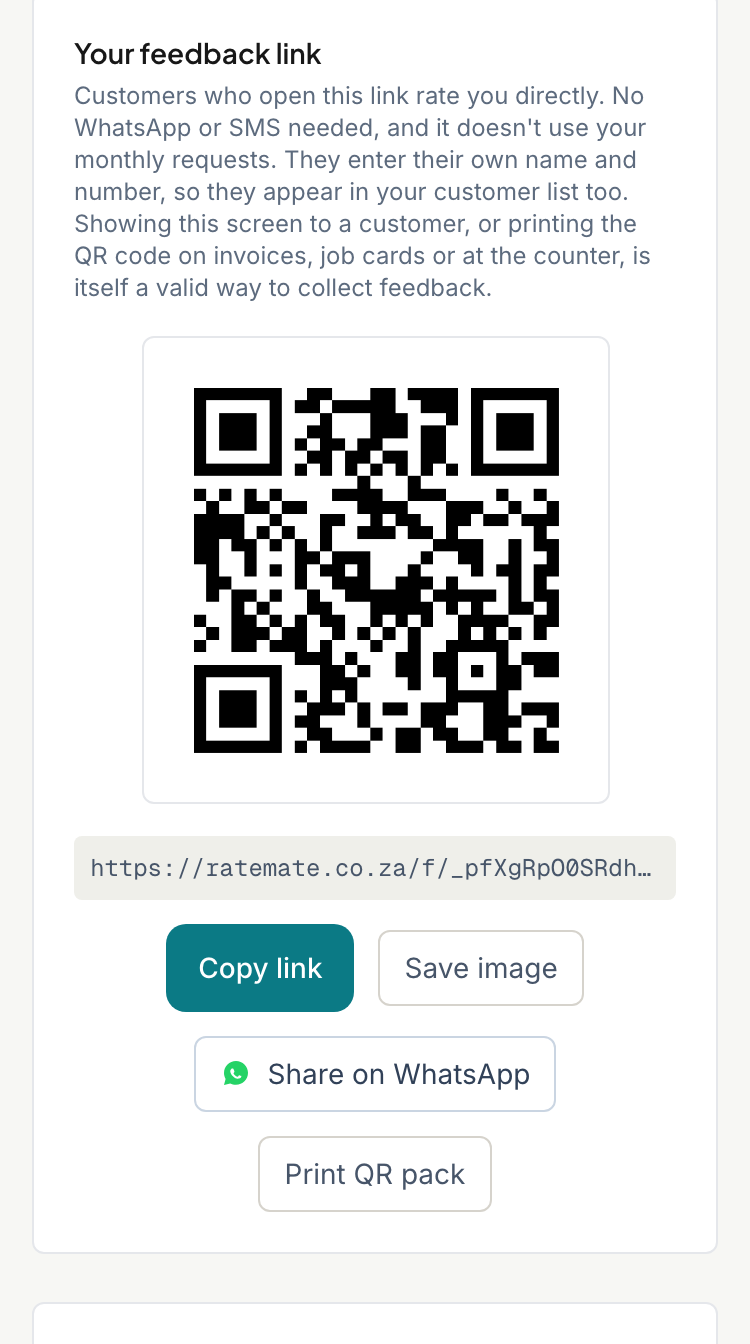
Share or save it
- Copy link copies the link. The button briefly says "Copied!".
- Save image downloads the QR code as a picture, called feedback-qr.png.
- Share on WhatsApp opens WhatsApp with a ready message and your link. If your phone offers it, Share… opens the other apps you can share to.
Showing this screen to a customer so they scan it with their own phone works too.
Print your QR pack
- On the same screen, tap Print QR pack. It opens in a new tab.
- Check the page. It has a counter card for the till or reception, and a sheet of 21 stickers for invoices, job cards and the van.
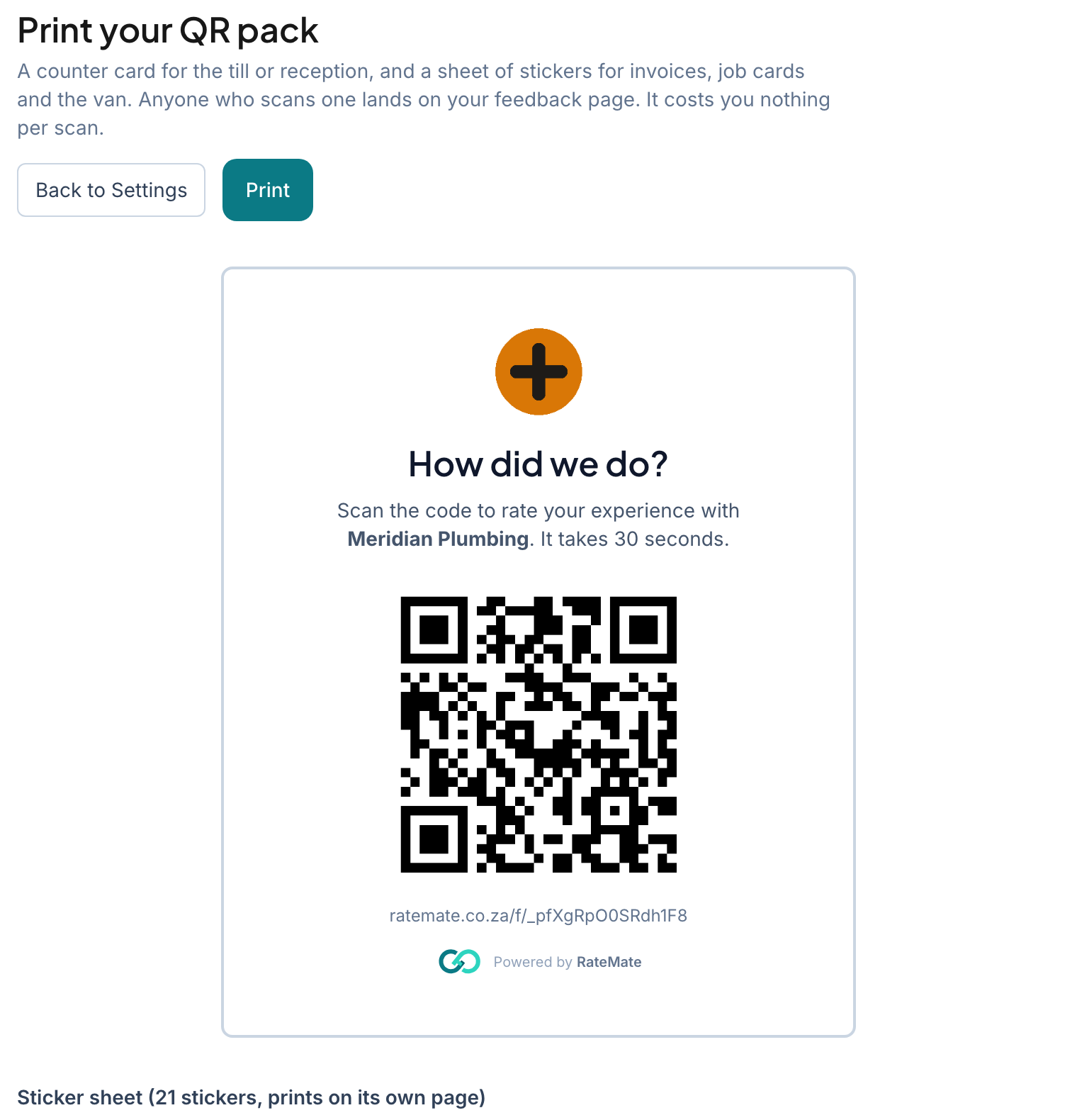
- Tap Print, then choose your printer in the dialog that opens. To keep a copy, choose to save as PDF instead.
The pack is laid out for A4. Tap Back to Settings to return.
Replace your link
Replace the link if a printed code ends up somewhere it should not, or if someone is misusing it.
- On the QR code & link screen, scroll to Need a new link?
- Tap Replace link…
- Read the warning, then type
replacein the box. - Tap Replace link.
Your new link and QR code are ready straight away. The old ones stop working at once. Anyone who scans an old sticker sees an error (see My customer says the link doesn't work), so be ready to reprint your stickers and swap every code you have handed out.
Replacing does not touch your customers or past ratings. It also does not affect private links you made for individual customers. See Get a rating link without sending.
Good to know
- If your subscription has ended, the link stops collecting ratings until you reactivate.
- Walk-in customers appear in your list. See Find and filter your customers.
Related articles
Still stuck? Email support@ratemate.co.za