Add a customer
Updated 25 Oct 2026
Add a customer when you have just finished a job and want their feedback. You can save them for later or send the request straight away.
Add a customer
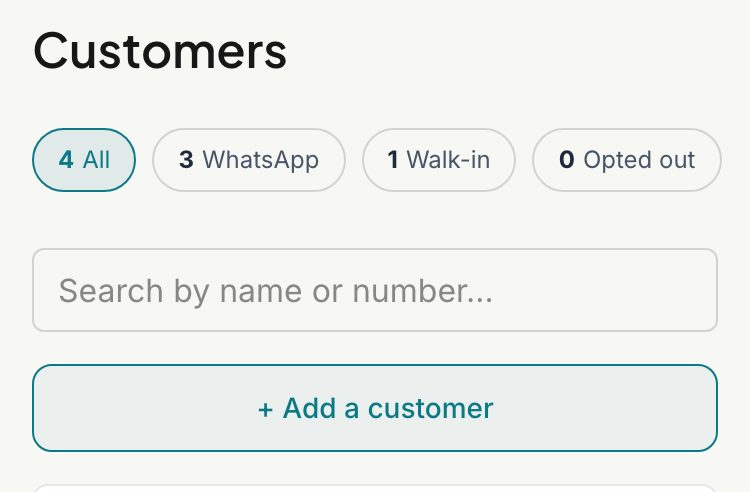
- Tap Customers.
- Tap + Add a customer (on a computer, + Add Customer).
- Type their Name.
- Add their Company if they have one. It is optional.
- Type their WhatsApp number. South African formats such as 082 123 4567 or +27 82 123 4567 both work, and RateMate saves the number in international format.
- Tick the consent box: "I confirm this is my customer and I have a lawful basis to contact them about their service (logged for POPIA)."
- Tap Add and send request, or Add only to save without sending anything.
Under the form, What they'll receive shows the message your customer gets, with a sample name filled in.
When you only see Add customer
Add and send request only appears when you can send messages right now. If you are on the Starter plan with no bonus notifications, or your subscription has lapsed, you see a single Add customer button instead. It saves the customer and sends nothing.
Running out of notifications for the month does not hide the button. The customer is still saved, but the request is not sent, and you see why. See Why can't I send a request?.
Good to know
- You cannot save without the consent tick. RateMate records it against the customer for POPIA.
- A number can only be saved once. If it is already in your list you see "A customer with that phone number already exists".
- If the customer is saved but the request fails, you see "Customer added; the request could not be sent" and the reason. The customer stays in your list, and you can send again from their page.
- Nothing is sent to a customer who has opted out. See Opt a customer out or back in.
- Members can add customers too.
To bring in many customers at once, see Import customers from a spreadsheet. To send to someone already in your list, see Send a feedback request. To see everything about a customer, see See a customer's history.
Related articles
Still stuck? Email support@ratemate.co.za