Export your data
Only owners can do thisUpdated 25 Oct 2026
Download a copy of everything your business holds in RateMate. Do it before you close your account, because you cannot sign in to fetch it afterwards. Only owners can do this.
Download the export
- Tap Manage, then Account (on a computer, tap Settings, then Account).
- Scroll to Export your data.
- Tap Download export.
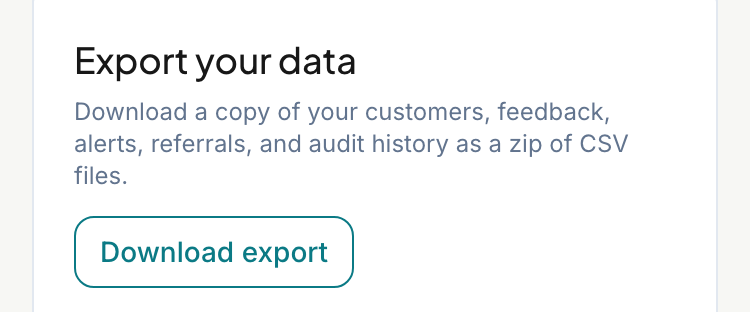
Your phone or computer saves a zip file named ratemate-export-, then your business ID and the date, ending in .zip. Open it in any spreadsheet app. Phones may need a file app to unzip it.
What is in the zip
Each of these is a CSV file:
customers.csv,feedback-requests.csvandfeedback-responses.csv: your customers, every request, and the scores and comments.alerts.csv: your low-score alerts.referrals.csv: referrals you have sent.users.csvandinvites.csv: the people on your team and invitations.staff.csv: the staff you tag on jobs.acquisition.csv: how you first found RateMate.owner-phone.csvandowner-conversations.csv: your verified WhatsApp number and the current state of your WhatsApp command session (not the chat history).audit-trail.csv: the audit trail for the whole business, not just one customer.
What is not in it
Billing and payment records (see Change or cancel your plan), your logo, your branding and message settings, and anything a customer submitted when offered a chance to recommend another business.
Good to know
- The zip is a copy for you to keep, not a backup RateMate can restore from.
- Each download is added to your audit trail.
- Members do not see Export your data, and the link does not work for them.
- The files hold your customers' names and numbers. Keep the zip somewhere private and delete it when you no longer need it. Looking after it is your responsibility from here.
- To export one customer's audit trail instead, see Handle a customer's data request.
Related articles
Still stuck? Email support@ratemate.co.za